Why You Shouldn't Trust TradingView Backtest Results Blindly
Run on a demo account first — and even then, treat results with caution.
A strategy that looks amazing in TradingView's Strategy Tester can lose money in live or even demo trading. The reasons range from repainting and slippage to how TradingView handles bars and commissions. This article walks through the main pitfalls and practical settings so you can interpret backtests more realistically and always validate on demo (and discount demo profits) before going live.
In brief:
Repainting makes past signals unreliable; slippage and thin order books hurt real fills, especially on low-liquidity tokens. Demo doesn't simulate order book depth or slippage — prop firms often suggest counting only ~40% of demo profits, especially on illiquid names. Use STANDARD OHLC in your strategy and set commission yourself (e.g. 0.1% on Bybit); many strategies leave it at zero by default.
1. The repainting problem
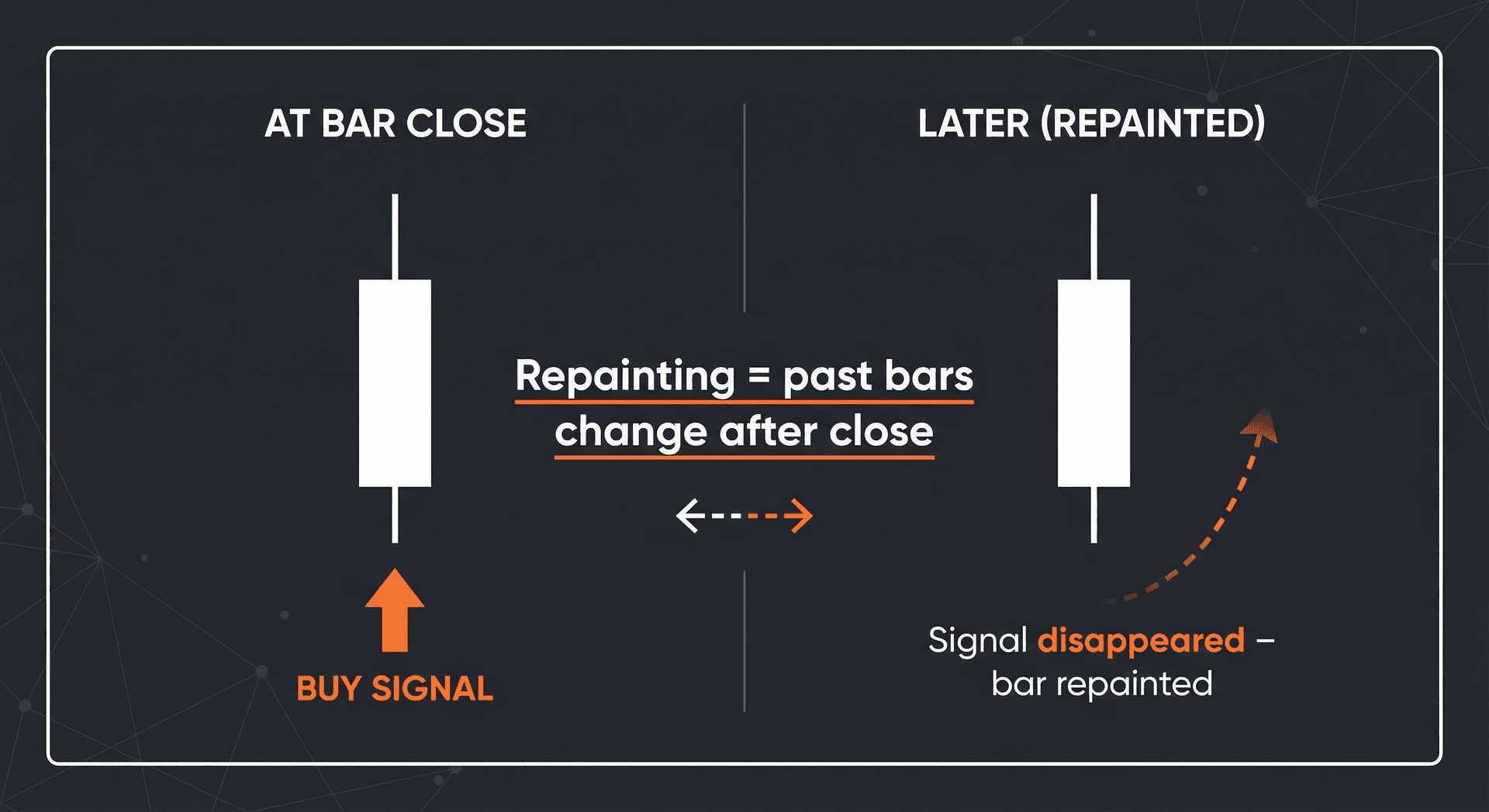
Repainting means that the strategy (or indicator) changes its past signals after the fact. On the chart, a bar might show a "buy" or "sell" signal at the close, but when you look back later, that signal has moved or disappeared — because the script recalculates using data that wasn't available at the time the bar closed (e.g. future bars or tick data that settles later).
In a backtest, the engine often uses the "final" state of each bar. So the backtest sees the repainted, cleaned-up version of the signal — the one you’d never have had in real time. When you trade live, you only have the information at bar close; if the script repaints, your real entries and exits won’t match the backtest. Result: backtest performance is overstated, and live results disappoint or blow up.
Always prefer non-repainting strategies and indicators, and test on replay or demo to see whether real-time signals match what you expected from the backtest.
2. Slippage — what it is and how it affects trading
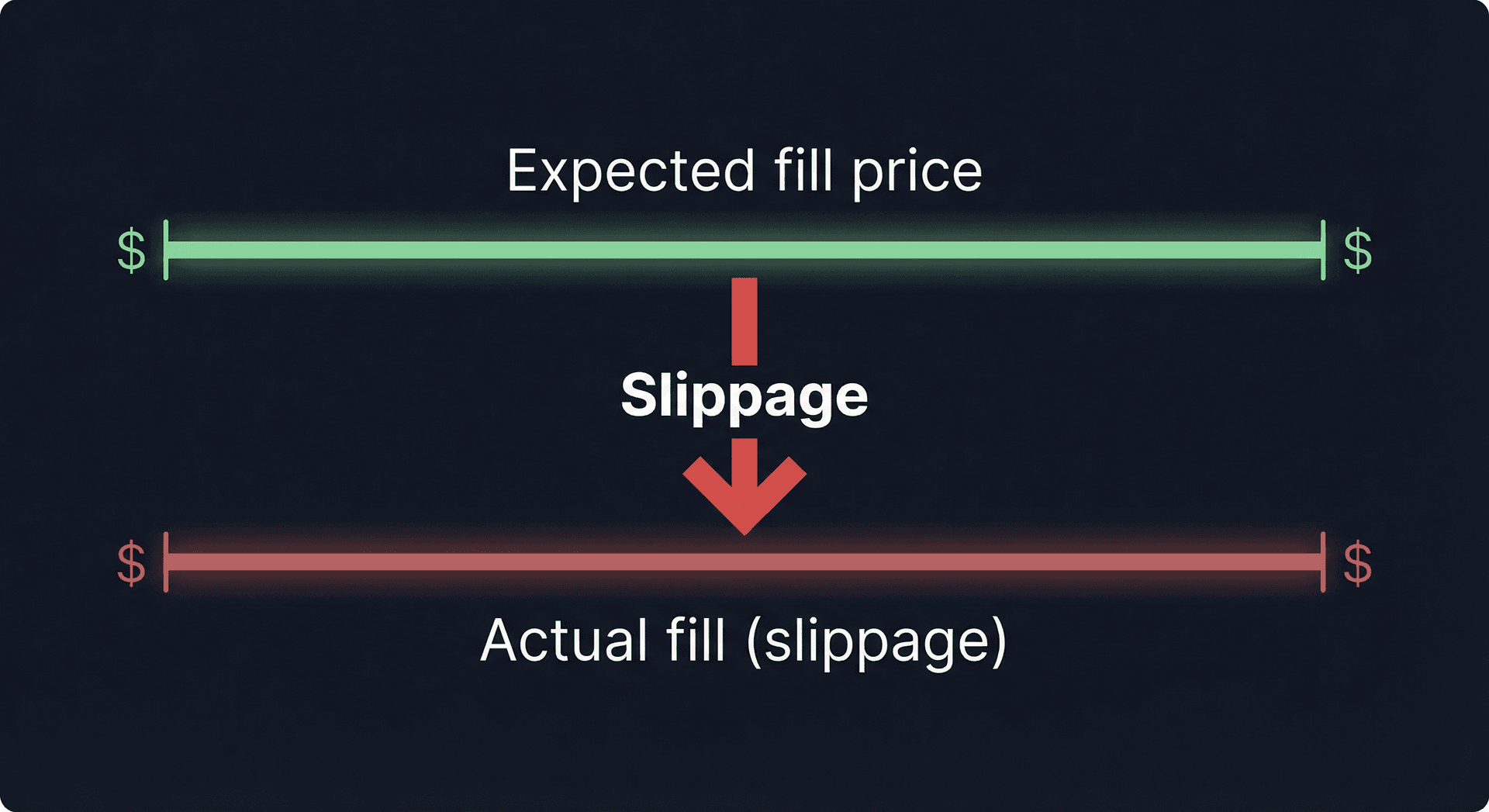
Slippage is the difference between the price you expect to get (e.g. the bar close or the last traded price when you send the order) and the price you actually get filled at. Market orders execute at whatever the order book offers; in fast or thin markets, that can be several ticks or even percent away from the backtest price.
In TradingView's backtester, trades are usually assumed to fill at the bar's open, close, or a fixed offset — with no order book. So the backtest doesn't model slippage at all. On low-liquidity tokens, the order book is thin: a modest market order can move the price. Your real fills will be worse than the backtest, and the effect compounds on every entry and exit. Strategies that trade frequently or use market orders are especially sensitive.
When you move to live (or even demo), assume worse fills than the backtest. On illiquid pairs, use limit orders where possible, or build in a realistic slippage assumption (e.g. 20 ticks) when sizing and evaluating performance.
3. Demo is still not close to reality
Demo trading removes real money risk, but it does not simulate real execution constraints. Typically, demo environments do not model order book thickness: you get fills at or near the mid price without the impact your size would have in a real book. They also usually do not simulate slippage — so your demo P&L can look much better than what you’d get live.
Many prop firms and professional traders explicitly recommend discounting demo results. A common rule of thumb is to treat only about 40% of the profit you make in demo as a rough expectation for live — and that’s for liquid markets. On low-liquidity tokens, the gap between demo and live can be even larger, so discount demo profits more heavily or avoid sizing as if demo = live.
So: use demo to validate that your strategy logic runs correctly and that your automation (e.g. TradingView → GeekTrade → Bybit) works end-to-end, but don’t trust demo equity curves as a forecast of live performance until you’ve accounted for slippage, fees, and liquidity.
4. Non-standard charts and the STANDARD OHLC flag
TradingView supports many chart types (Heikin Ashi, Renko, range bars, etc.). These non-standard charts often change or smooth price in a way that doesn’t match the exchange’s actual OHLC. If your strategy is built or backtested on such a chart, the Strategy Tester may be using bar values that would never occur in real time on the exchange — so entries, exits, and P&L can be wrong.
You should use the STANDARD OHLC option in your strategy so that TradingView bases backtest and execution logic on standard candlestick OHLC (the real open, high, low, close) rather than the modified values of the current chart type. In Pine Script, this is typically done by enabling "Standard OHLC" or equivalent in the strategy settings so that order prices and bar logic align with what the exchange actually has.
Even with STANDARD OHLC, TradingView’s backtester can still be wrong in edge cases (e.g. bar alignment, session boundaries, or how it applies commission and slippage). So treat the backtest as a guide, not a guarantee, and always verify on demo with small size first.
5. Commission — set it yourself
By default, many TradingView strategies use zero commission. If you don’t change this, the backtest ignores trading fees and overstates net profit. Real trading always has fees: maker/taker on the exchange, and sometimes funding on perpetuals.
On Bybit, commission is typically around 0.1% per side (depending on tier and maker/taker). You should set this in your strategy’s properties (e.g. Commission value) so that the backtest deducts it from each trade. A practical setup is to use commission 0.1% and a reasonable slippage (e.g. 20 ticks) so that the Strategy Tester at least approximates real costs.
If you skip this step, a strategy that looks profitable in the tester can turn out break-even or losing once fees and slippage are included — another reason not to trust backtest results blindly and to validate on demo first.
Checklist before going live
- Use a non-repainting strategy and understand what data it uses at bar close.
- Set commission (e.g. 0.1% for Bybit) and slippage (e.g. 20 ticks) in the Strategy Tester.
- Enable STANDARD OHLC so backtest and alerts use real candlestick OHLC.
- Run the strategy on a demo account first and compare real-time signals to the backtest.
- Discount demo profits (e.g. ~40% for liquid markets, more for low-liquidity tokens) when sizing for live.
Once your strategy and automation are validated on demo, you can connect TradingView alerts to GeekTrade for automated execution on Bybit — and still start with small size on live until real results match your expectations. For step-by-step instructions, see our guide on how to set up automation: Bybit + TradingView + GeekTrade.